
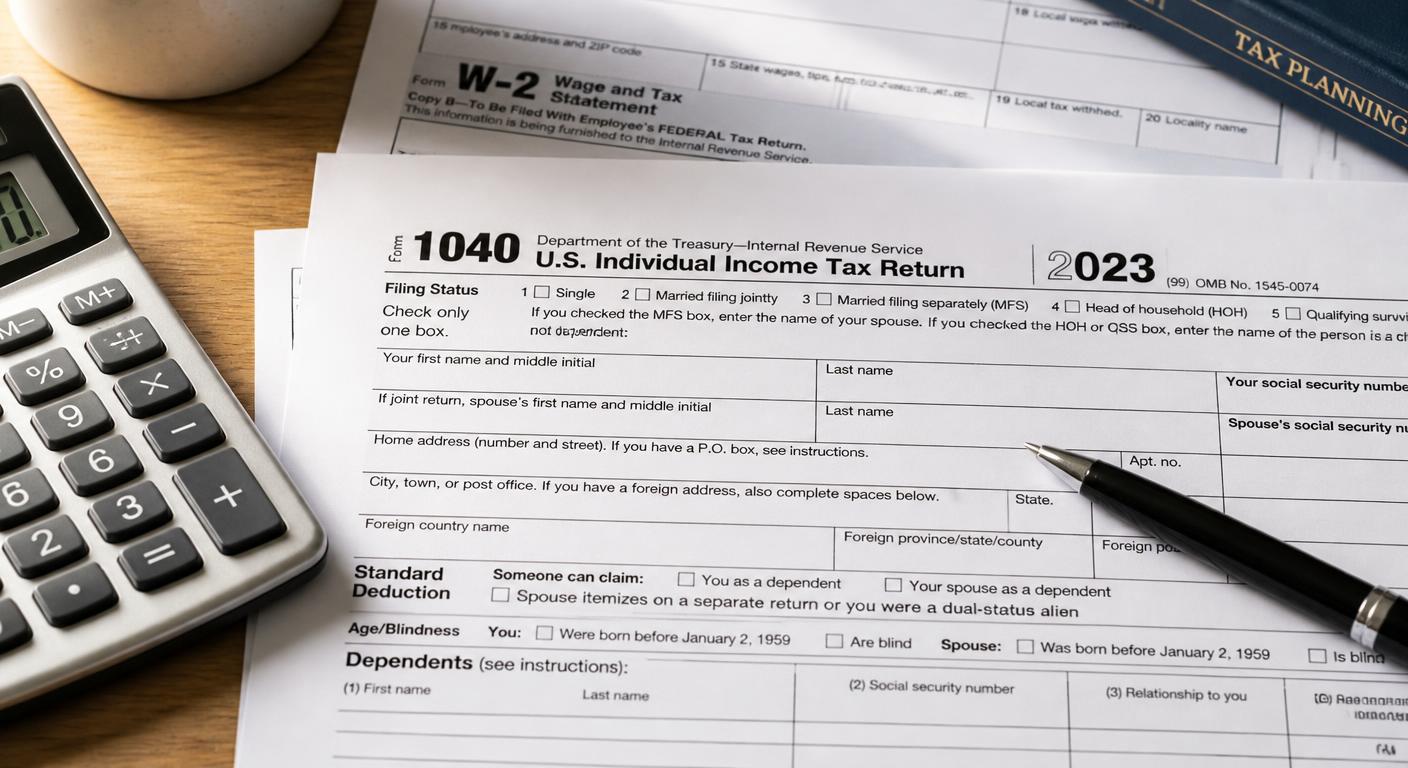
Understanding the Purpose of Form 1040
Form 1040 is the primary tax return that most individuals use to file their federal income taxes with the IRS. It summarizes your income, deductions, tax credits, and tax payments to determine whether you owe additional tax or qualify for a refund.
Whether you're a first-time filer, a salaried employee, self-employed, or have investment income, learning how Form 1040 is organized can make the filing process much easier. Understanding each section also helps reduce mistakes that could delay your return or require you to file an amendment later.
Form 1040 Filing Process
Step 1: Enter Your Personal Information and Choose a Filing Status
The first section of Form 1040 establishes your identity and filing status, both of which affect your tax rates, standard deduction, and eligibility for certain credits.
Personal Information and Dependents
- Enter your legal name exactly as it appears on your Social Security card.
- Provide your Social Security number and current mailing address.
- If you're claiming dependents, list each person's name, Social Security number, relationship to you, and any applicable tax credit eligibility.
- Double-check all identifying information to avoid processing delays.
Choosing the Correct Filing Status
Select the filing status that matches your situation on the last day of the tax year. The five IRS filing statuses are:
- Single
- Married Filing Jointly
- Married Filing Separately
- Head of Household
- Qualifying Surviving Spouse
Choosing the correct status is important because it affects your tax brackets, deduction amount, and eligibility for certain tax benefits.
Step 2: Report All Sources of Income
After completing your personal information, you'll report all taxable income earned during the year.
Wages, Interest, and Dividend Income
- Enter wages, salaries, tips, and other compensation from your Form W-2.
- Report taxable interest from bank accounts and bonds.
- Include ordinary and qualified dividends reported on Form 1099-DIV.
- Add any other taxable income listed on IRS information returns.
Business, Retirement, and Other Income
If applicable, also report income from:
- Self-employment or small businesses
- Rental properties
- Capital gains or investment sales
- Retirement distributions and pensions
- Social Security benefits
- Unemployment compensation and other taxable income
Many of these income sources require additional IRS schedules that transfer totals to Form 1040.
Step 3: Calculate Your Adjusted Gross Income (AGI)
Adjusted Gross Income (AGI) is one of the most important figures on your tax return. Many deductions, credits, and income limits are based on this number.
Apply Eligible Adjustments
Certain expenses can reduce your taxable income before deductions are applied. Common adjustments may include:
- Student loan interest
- Traditional IRA contributions
- Educator expenses
- Health Savings Account (HSA) contributions (if eligible)
- Certain self-employment deductions
Keep records supporting every adjustment you claim in case additional documentation is needed.
Determine Your AGI
After subtracting all eligible adjustments from your total income, you'll arrive at your Adjusted Gross Income (AGI). This amount serves as the starting point for many remaining calculations on your federal tax return.
Step 4: Apply Deductions and Calculate Your Tax
Once your AGI has been calculated, the next step is determining your taxable income and calculating how much federal tax you owe.
Standard Deduction or Itemized Deductions
Most taxpayers choose between:
- The Standard Deduction, which provides a fixed deduction based on filing status, or
- Itemized Deductions on Schedule A if deductible expenses exceed the standard deduction.
Itemized deductions may include qualified medical expenses, mortgage interest, state and local taxes (subject to applicable limits), and charitable contributions.
Subtract your chosen deduction from your AGI to calculate your taxable income.
Calculate Tax and Apply Credits
- Use the appropriate IRS tax tables or tax computation worksheets to determine your federal income tax.
- Claim any tax credits you're eligible for, such as the Child Tax Credit, Earned Income Tax Credit, education credits, or other applicable credits.
- Compare your total tax with the amount already withheld or paid during the year to determine whether you'll receive a refund or owe additional tax.
Frequently Asked Questions (FAQ)
What happens if I make a math error on Form 1040?
If you're filing a paper return, the IRS may correct simple mathematical errors during processing and notify you of any adjustments. Although these corrections can delay your refund, you usually won't need to file a new return unless additional changes are required. Most tax software automatically performs these calculations for electronic filers.
Do I need to attach my W-2 when filing Form 1040?
If you're mailing a paper return, you generally must attach your Form W-2 and any other documents showing federal income tax withheld. When you file electronically, this information is transmitted digitally through your tax software.
Can I change my filing status after submitting Form 1040?
In some situations, yes. Certain filing status changes are allowed by filing an amended return, while others are restricted after the filing deadline. For example, changing from Married Filing Separately to Married Filing Jointly is generally permitted within the applicable time limit, but changing from a joint return to separate returns is usually not allowed after the original filing deadline.